Lecture · Transcript · Layouts

Record once.
Study with intent.

Note Taker (stores: NoteTaker) captures lectures, transcribes speech, organises layouts — Cornell, outline, mind map, and more — plus photo-to-notes for boards and handwritten pages.
In-app screens.

Captured from production builds — dark interface inside a light chrome frame.

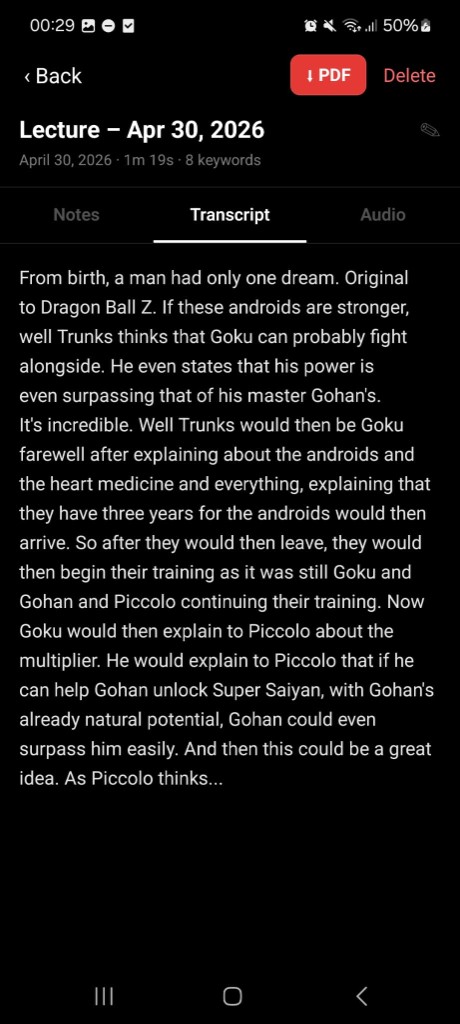
Transcript tab
Transcript & PDF
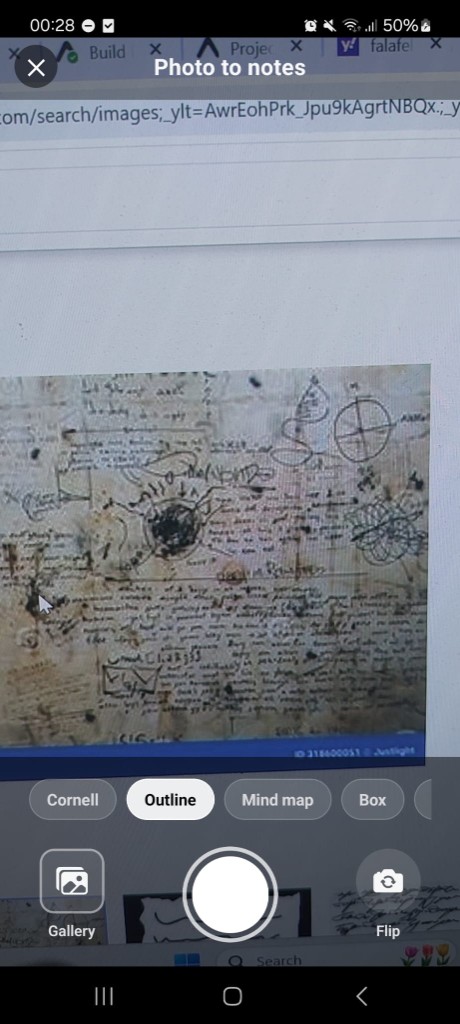
Photo to notes
Photo to notes · layouts
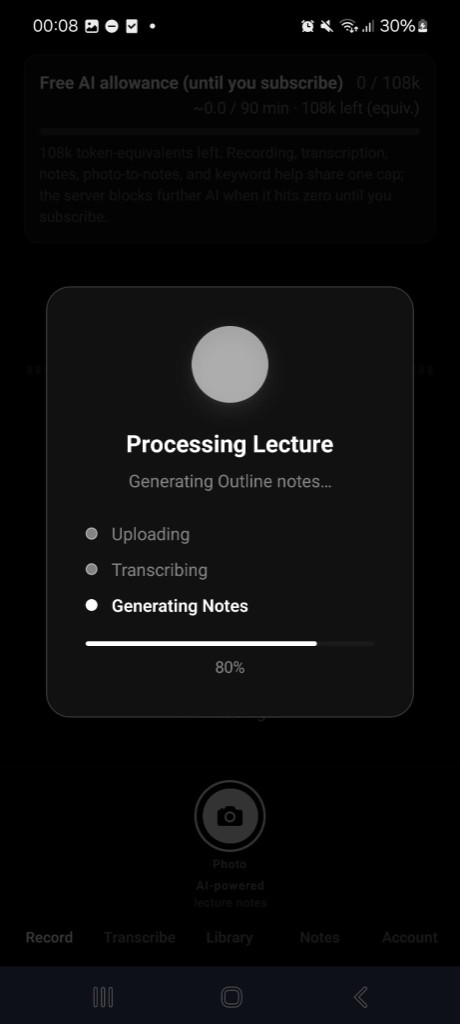
Processing
Generating notes
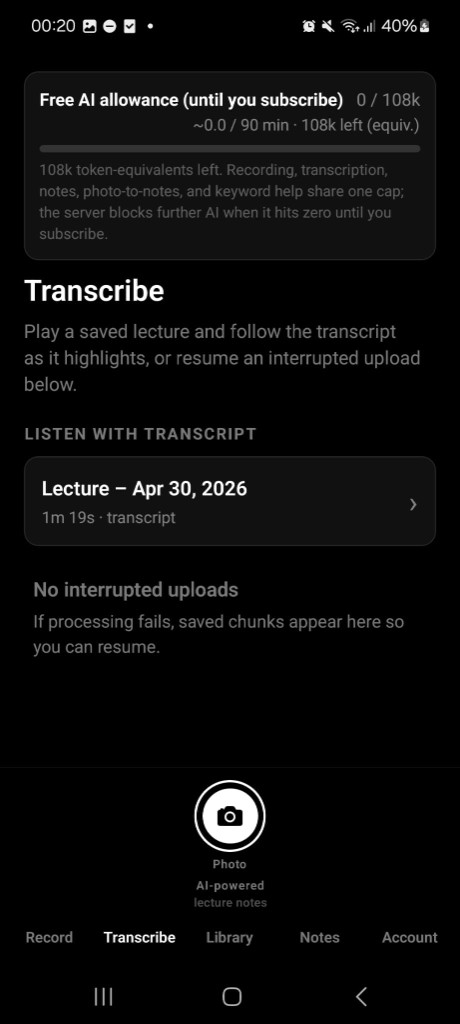
Transcribe
Listen with transcript
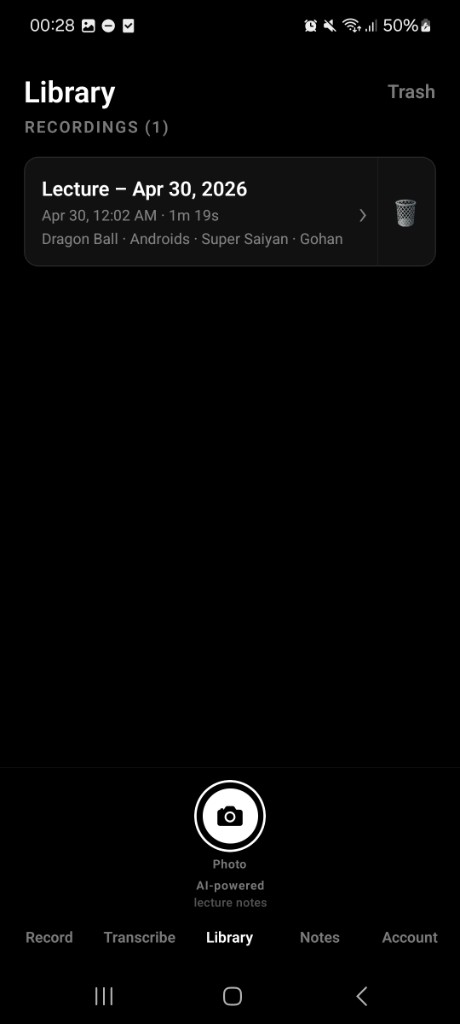
Library
Library & keywords
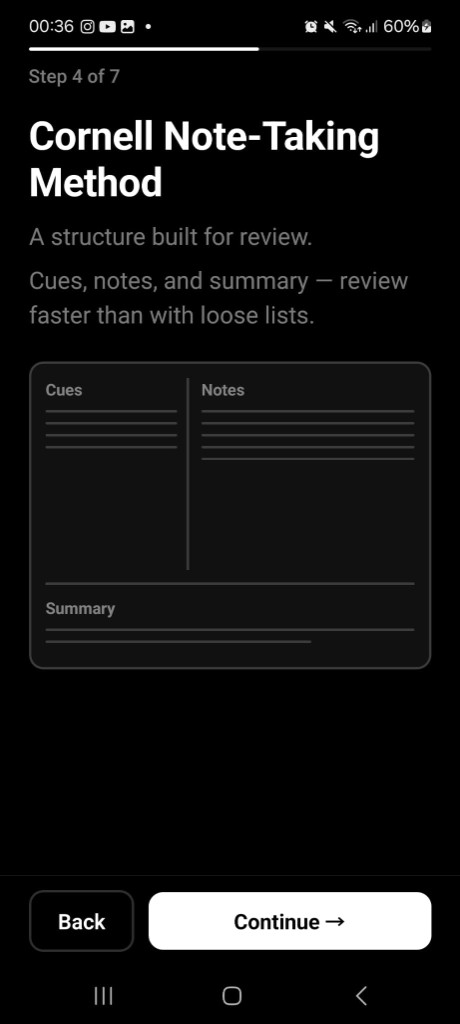
Cornell guide
Cornell onboarding

From waveform to exam-ready rows.

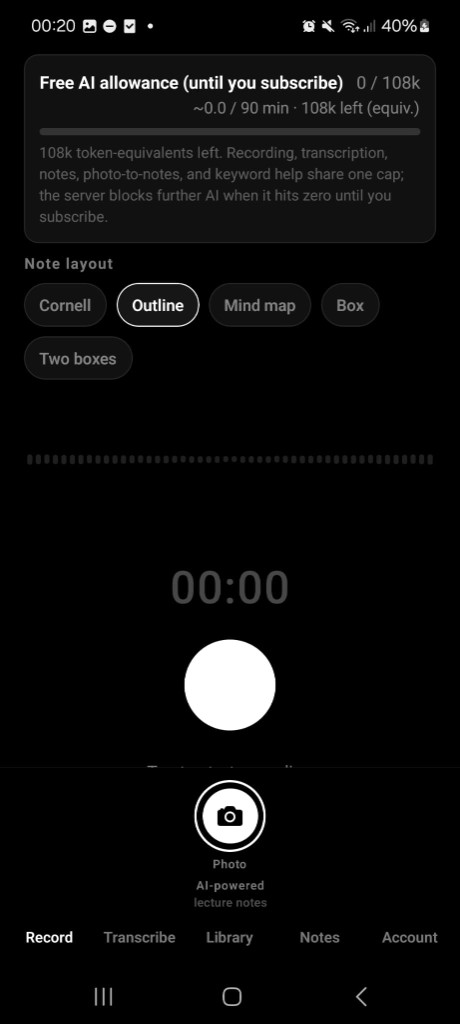
Note Taker shares one thoughtful AI allowance across recording, transcription, structured notes, and photo capture — so every feature pulls from the same session.

Flows that matter.

Capture

Record · layouts · AI cap

Pick Cornell, outline, mind map, or box layouts before or after capture. Recording, transcripts, notes, and photo-to-notes share one token-style allowance until you subscribe.

Record screen with layout chips
Read

Transcripts + export

Jump between Notes, Transcript, and Audio. Keywords surface automatically; export when you’re ready.

Lecture transcript view
Photo

Desk & board → structured notes

Shoot scraps and whiteboards — the same layout engine folds handwriting and diagrams into your study shelf.

Photo to notes camera

From students.

★★★★★

“The transcript strip and Cornell onboarding finally match how I revise — fewer pauses, more capture.”

E
Elena
Biochemistry
★★★★★

“Photo-to-notes bridges my paper mess with searchable rows — outrageous for exam prep.”

R
Ravi
Engineering
★★★★☆

“Finally treats full lectures like first-class citizens, not orphaned voice memos.”

M
Maya
Law

Bring structure to class.

iOS & Android — one calm workflow from mic to Cornell rows.

Questions: support@m3xi.com